Avail
Find time in your busy life.
Stop going through your calendar day by day and typing out when you're free. Avail is like a personal assistant who knows your schedule: it finds your free time across your coming days and writes it up as an easy-to-read message, ready to text, chat, or email. Working across time zones? Avail can share your availability in multiple time zones. Send that, not a booking link.


For iPhone, iPad and Mac on the App Store. Prefer a direct download for Mac? Download Avail 1.1 (3 MB, notarized by Apple). Questions? Get help with Avail.
See your free time
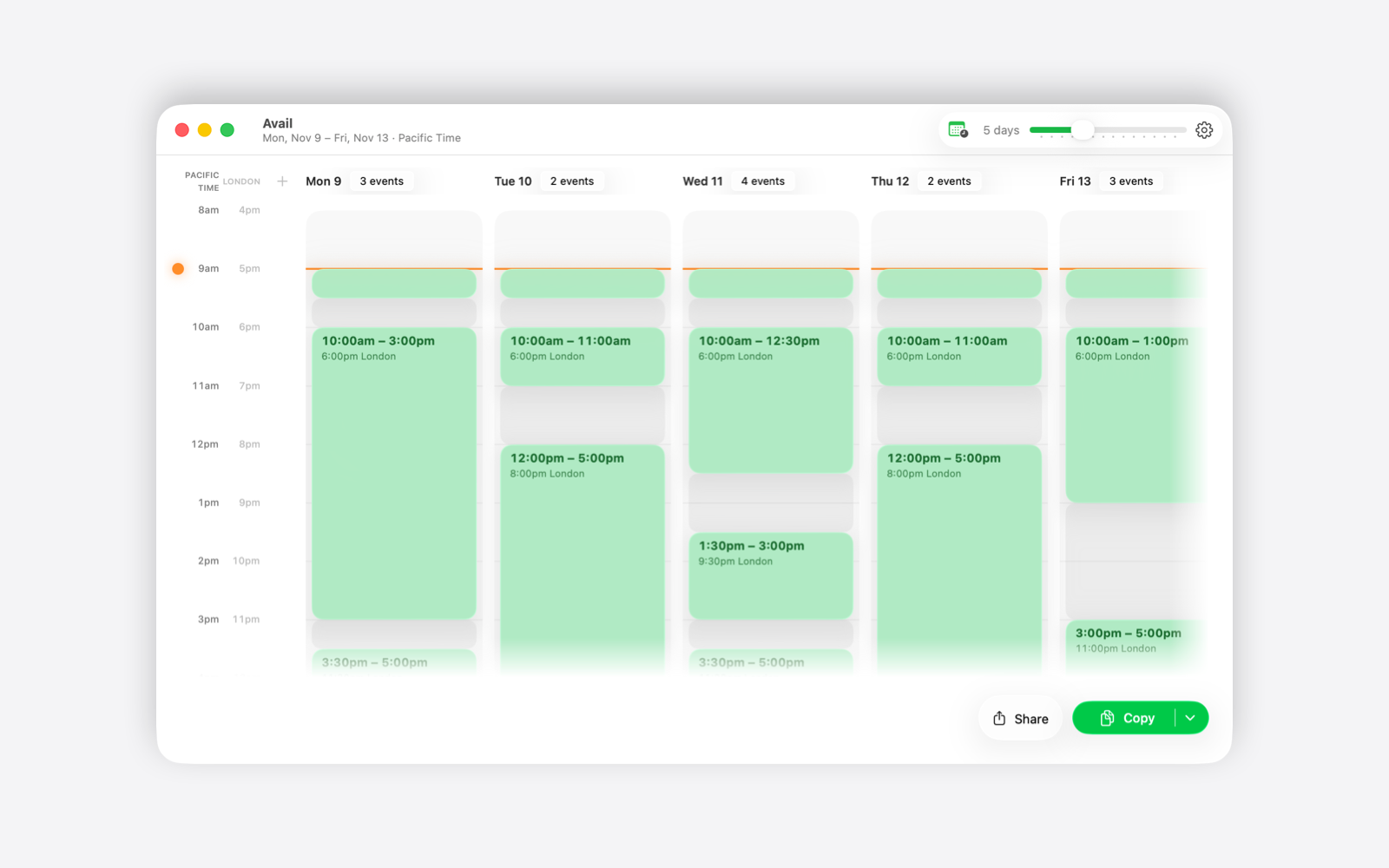
Your coming days, side by side, with your free time easy to spot. No more scrolling through your calendar to answer "when are you free?"
Works across time zones
Add a city or a country and Avail shows your free time in that time zone too. Avail can share your availability in multiple time zones. No mental math, no 3 AM mix-ups.
The message is written for you
Share or copy your free time with the dates and times spelled out, then send it in a text, a chat, or an email. The person you send it to doesn't need an app, an account, or a link.
Private
Your calendar stays on your device. No account, no sign-in, no tracking. The message you send lists only dates and times, never the names of your meetings or the people in them.
Requirements
iPhone and iPad: iOS 26 or iPadOS 26 or later. Mac: macOS 26 or later. Both come from the App Store; the direct Mac download above is version 1.1, notarized by Apple (3 MB). Avail asks to read your calendars when you first open it. You can change that any time in Settings › Privacy & Security › Calendars on iPhone and iPad, or System Settings › Privacy & Security › Calendars on Mac.